Talk naturally
Low-latency voice interaction. Speak or type. Conversation flows in real time.
Talk naturally. Customize everything. Runs at home.
Low-latency voice interaction. Speak or type. Conversation flows in real time.
Pick your LLM, voice, personality, and avatar. Add new skills with plugins.
Runs on your hardware by default. Data encrypted at rest, cloud optional.
Avatar, voice, and personality. Choose from presets or build your own character from scratch.
llama.cpp built in. Run language models on your own hardware by default—no cloud required.
Say your trigger word and go hands-free. UNI listens until it hears you, then captures your request.
Remembers you across sessions — preferences, names, past topics. Stored locally and encrypted.
Search the web, set timers, check the weather. Sensitive actions require your approval.
Plugins push interactive content to your screen — weather forecasts, countdowns, or custom widgets.
Share your camera and UNI can see what you see. Ask about what's on screen or get visual assistance.
UNI can reach out to you — remind you of appointments, alert you of events, or check in on a schedule.
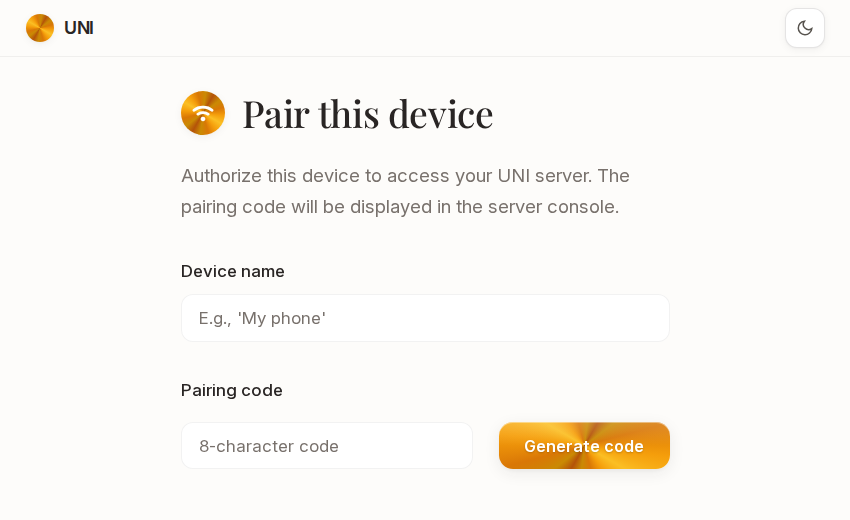
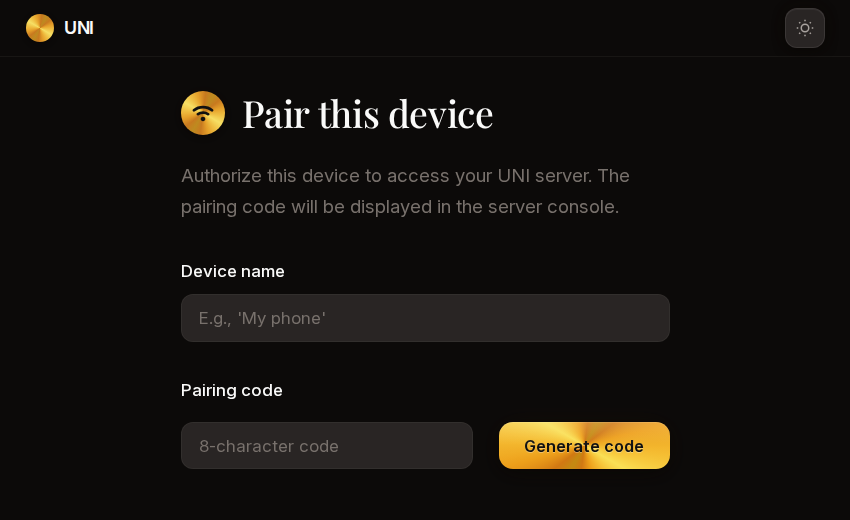
Pair your phone, tablet, or laptop and talk to UNI from anywhere in your home.
Voice cloning, natural expression, and audio effects.
Go hands-free with custom trigger phrases.
2D and 3D characters with reactive expressions.
Search the web, play music, set timers, and more.
Background knowledge fed into every conversation.
Written in Python. Start with the SDK.
UNI can message you through Discord, Matrix, or other channels when you're away from home.
For fully local AI, a GPU with 24GB+ VRAM is recommended. The more VRAM, the better models you can run. You can also use cloud APIs if your hardware is limited. Full requirements
Yes. UNI can connect to any OpenAI-compatible API, including hosted services. Privacy is the default — the important part is that you control what goes where.
llama.cpp works out of the box. You can also use vLLM, LiteLLM, or any service with an OpenAI-compatible completions endpoint.
UNI serves a web interface over HTTPS on your local network. Open the URL in any browser, pair your device, and you're connected.
Licensed under AGPLv3.