Theming
Presets
UNI ships with over a dozen theme presets you can drop in — no coding required. These presets can be found in the theme/presets folder of your UNI installation. Pick one, copy it into user folder of your UNI installation, rename it to theme.css, and refresh your browser.
Previews
Dark mode
Toggling light/dark mode via the top-right site menu also switches the previews below.
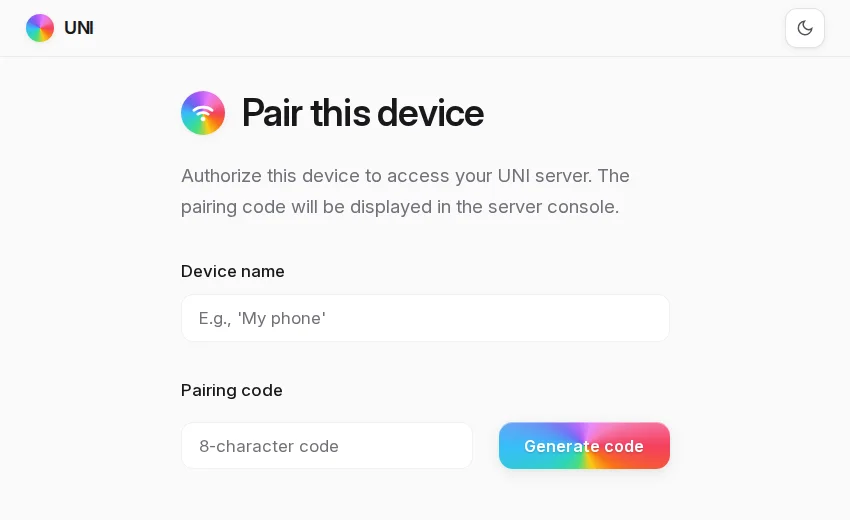
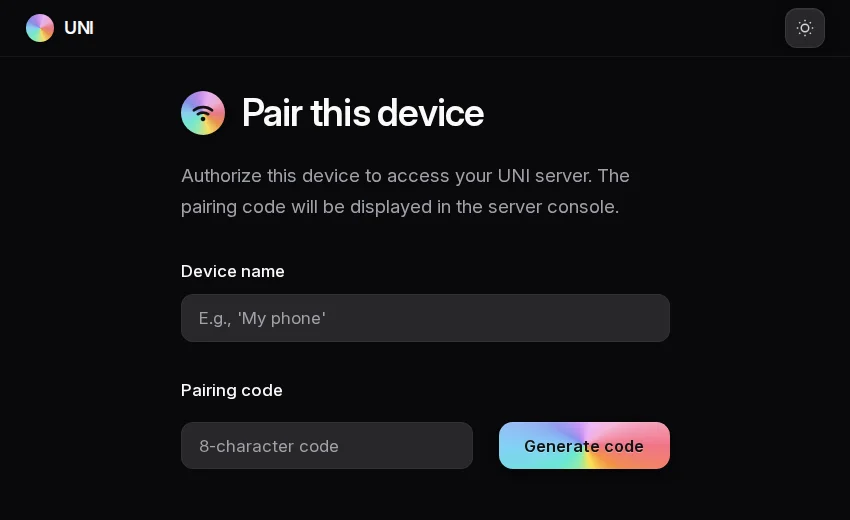
spectrum.css
Prismatic rainbow gradient
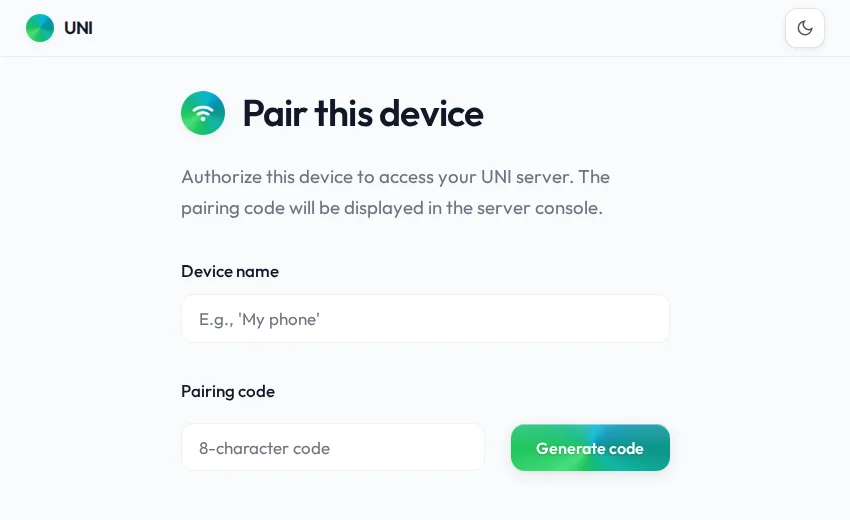
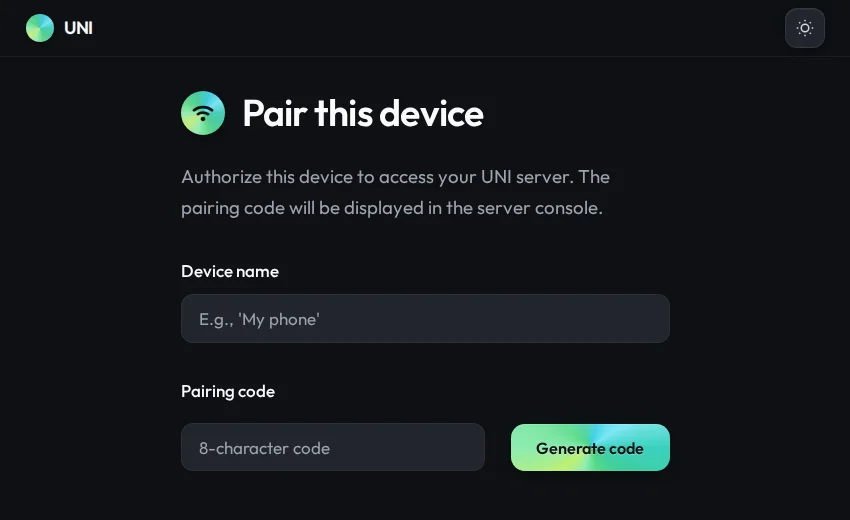
aurora.css
Northern lights
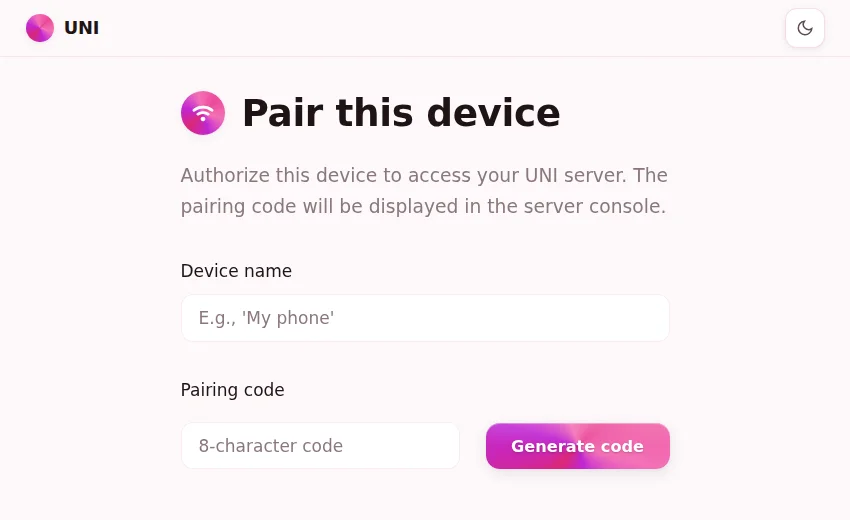
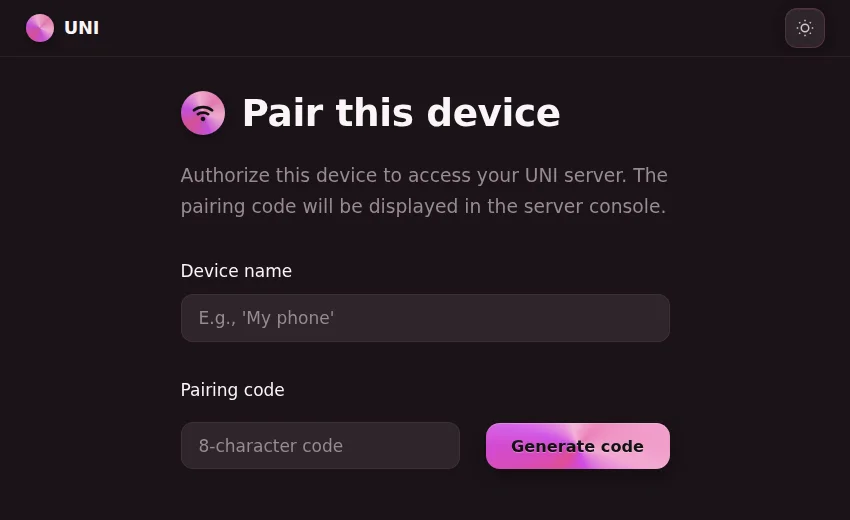
sakura.css
Soft cherry blossom
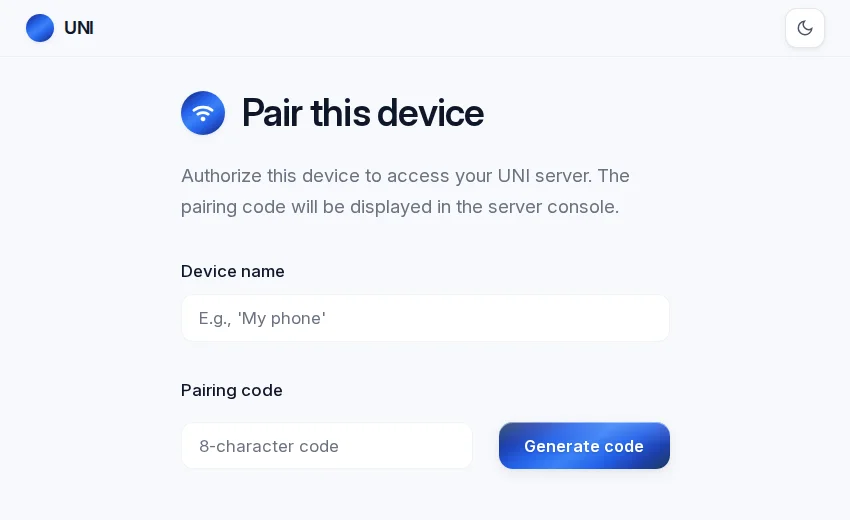
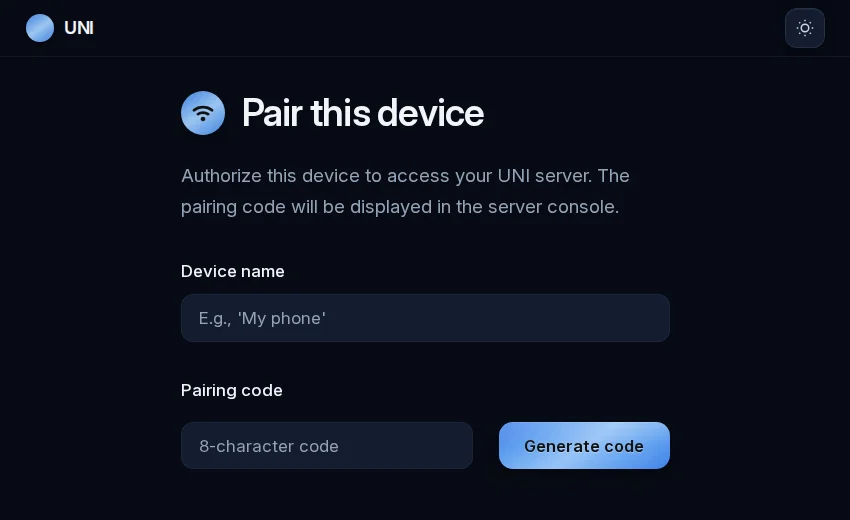
storm.css
Deep navy and electric blue
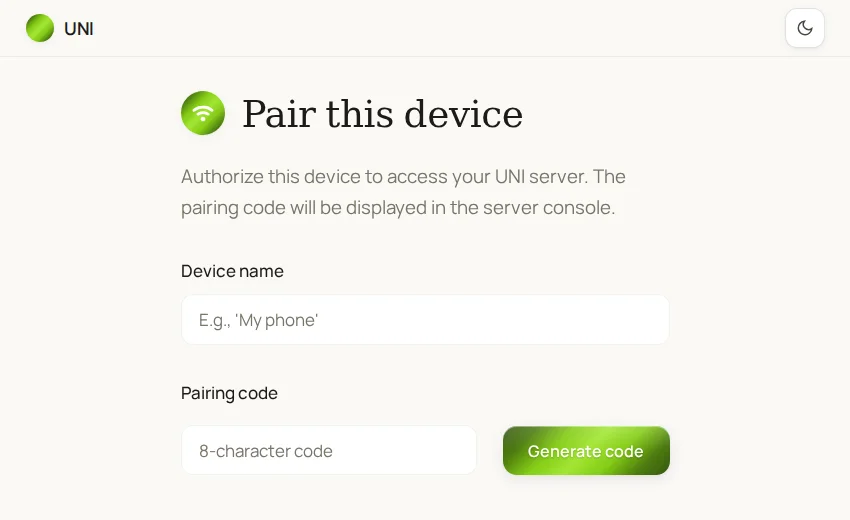
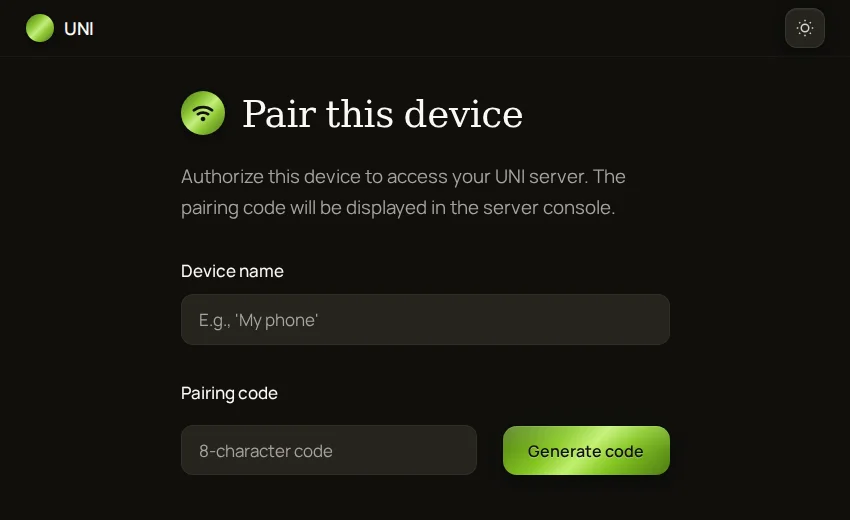
moss.css
Earthy forest greens
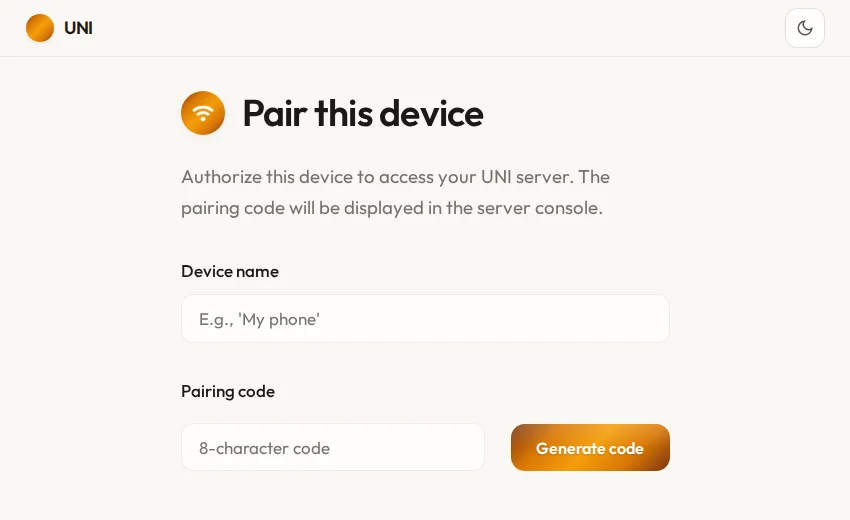
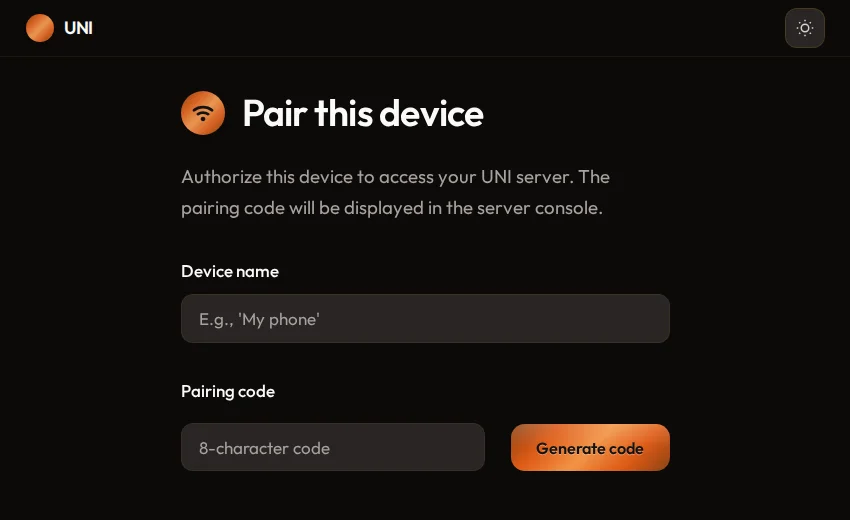
ember.css
Warm coals and firelight
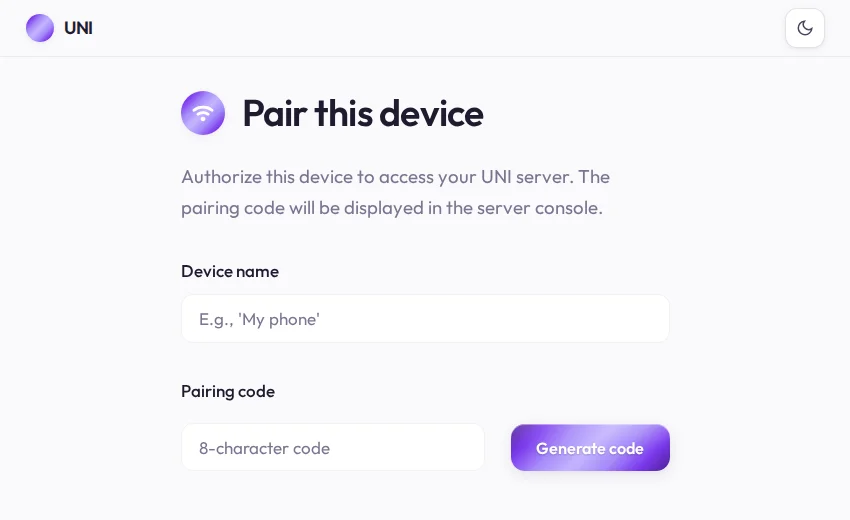
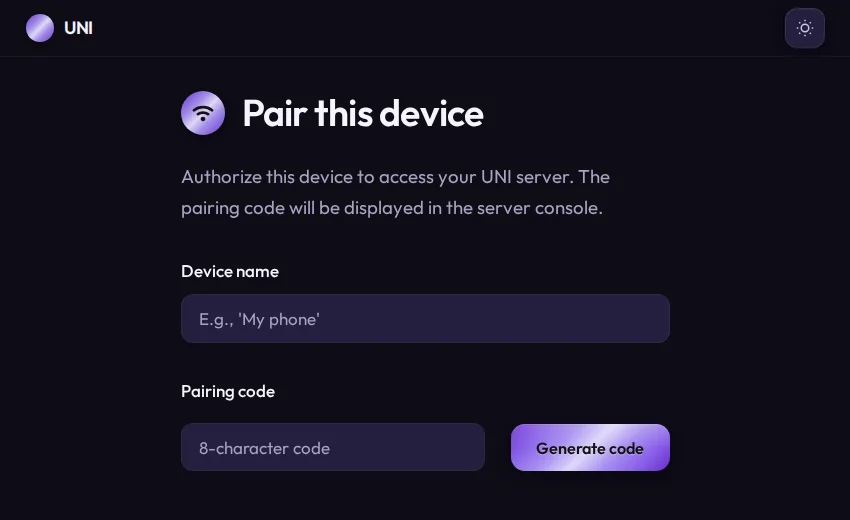
lavender.css
Twilight purples and dusty rose
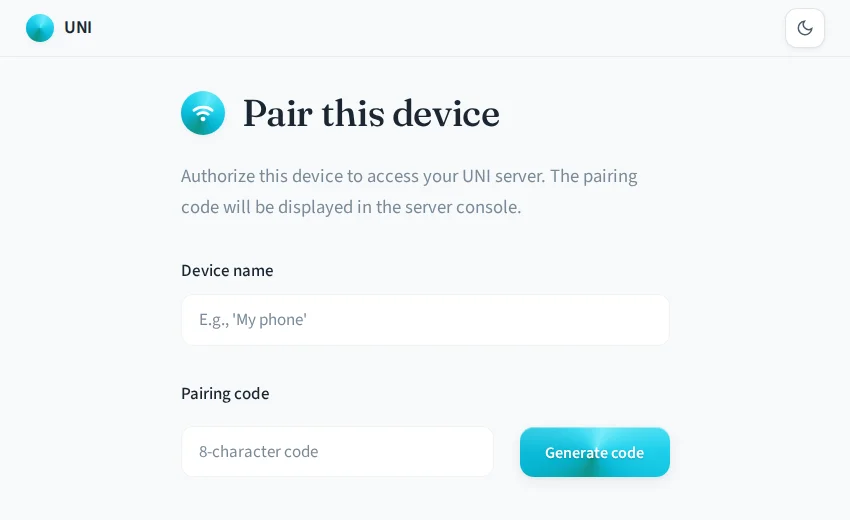
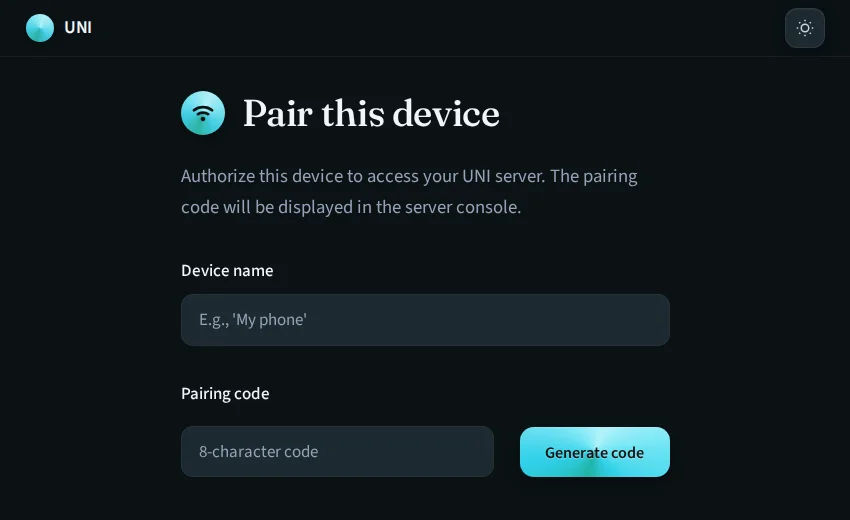
ocean.css
Cool ocean blues
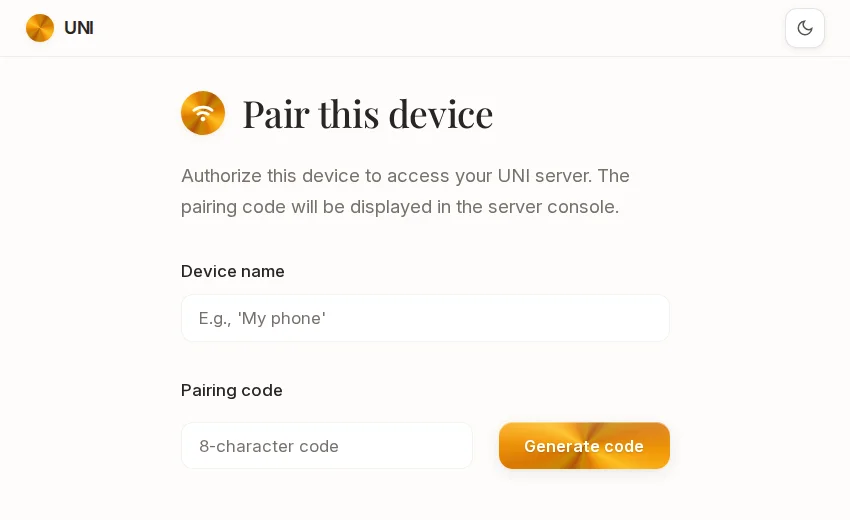
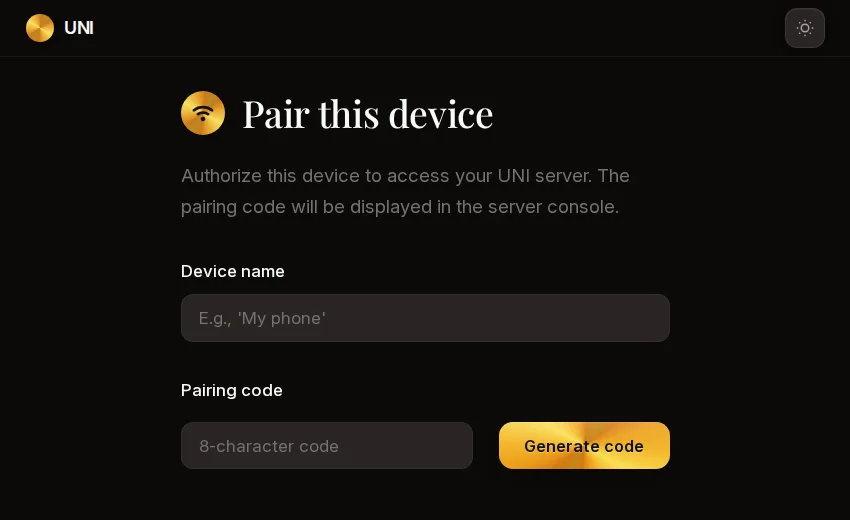
copper.css
Warm metallic shimmer
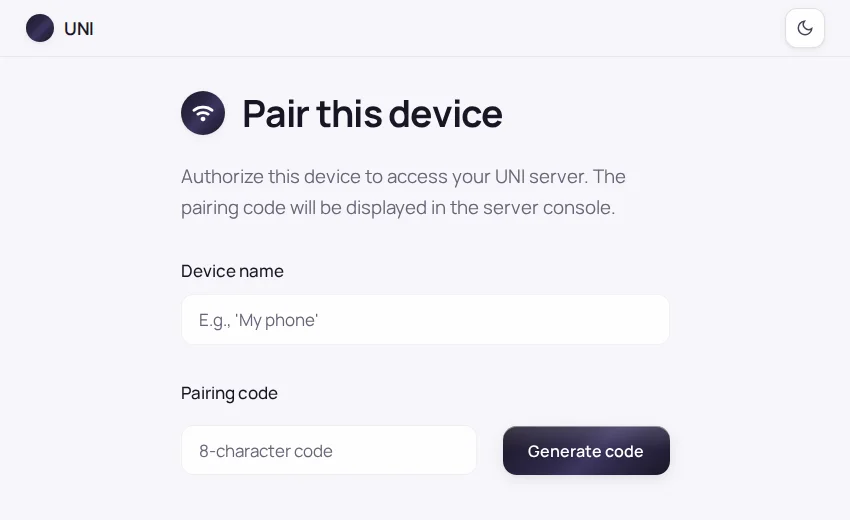
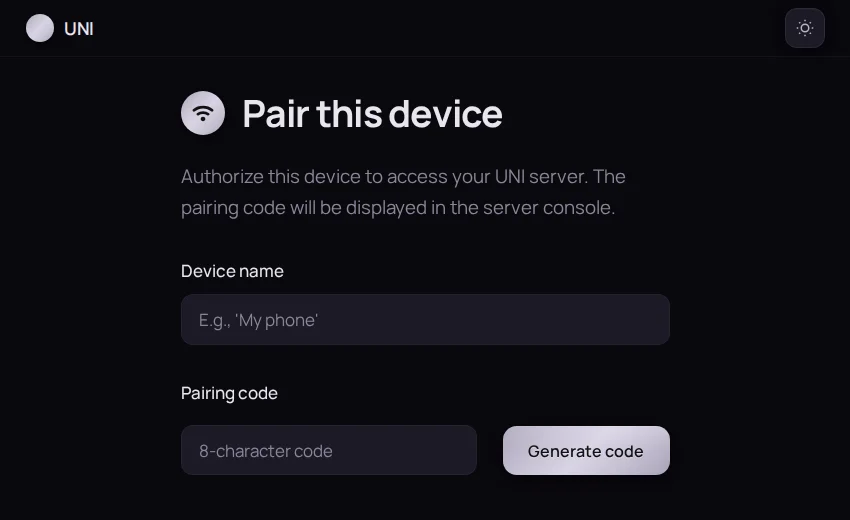
midnight.css
Moonless night with silver mist
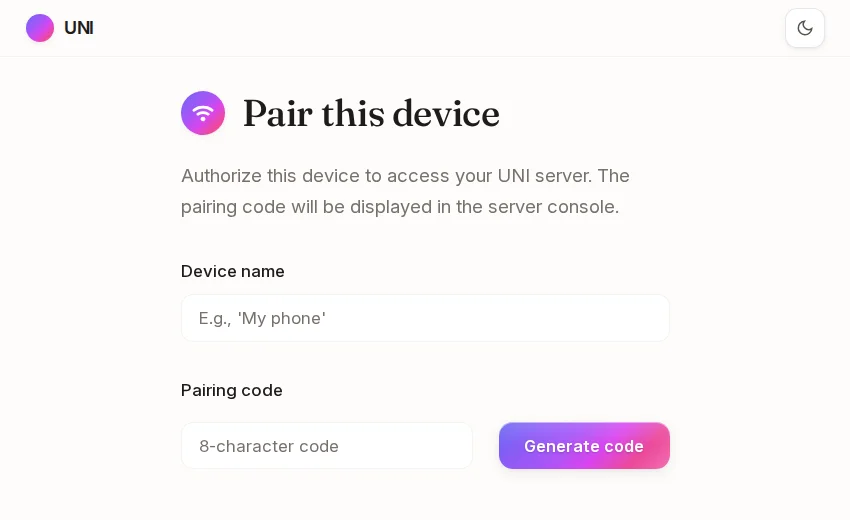
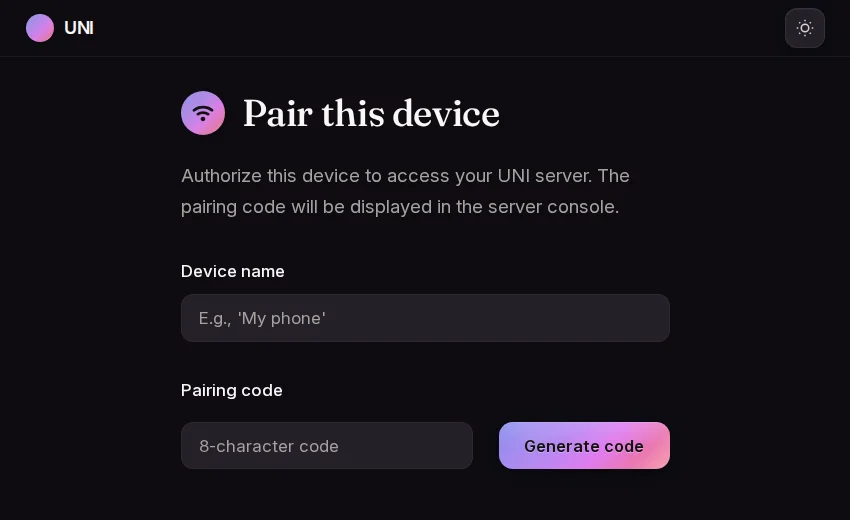
dusk.css
Sunset gradient to indigo
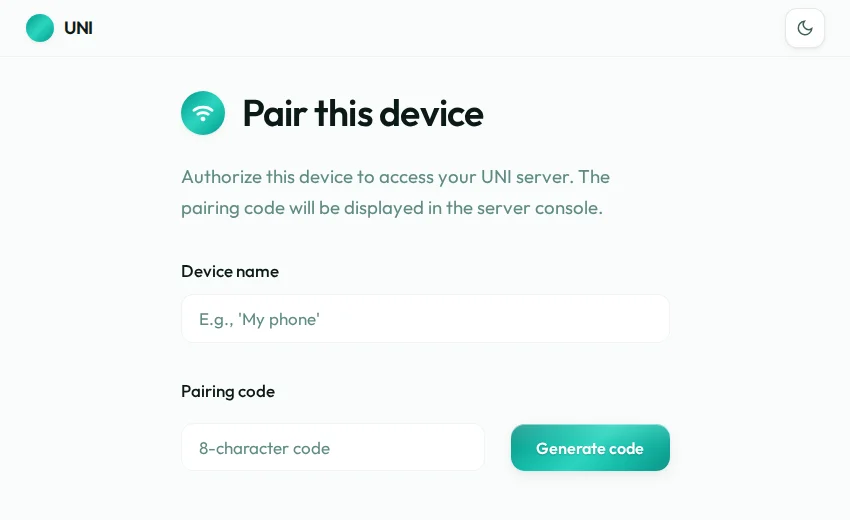
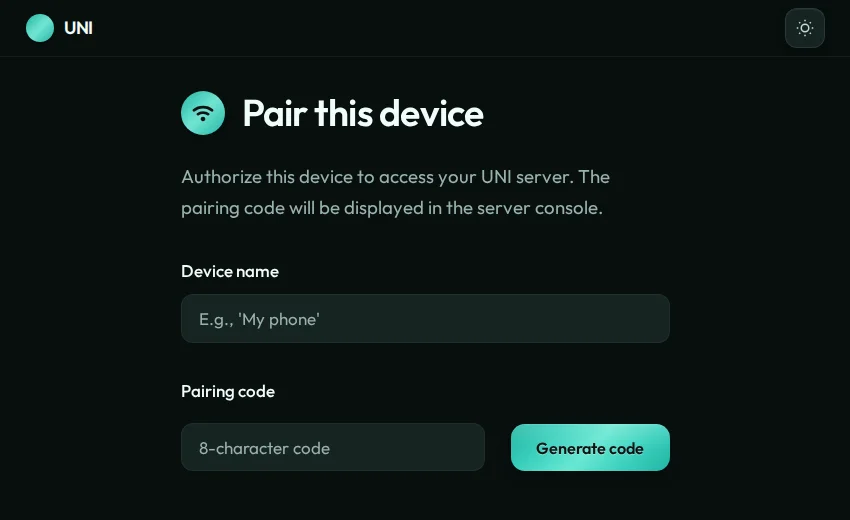
mint.css
Fresh teal and cyan
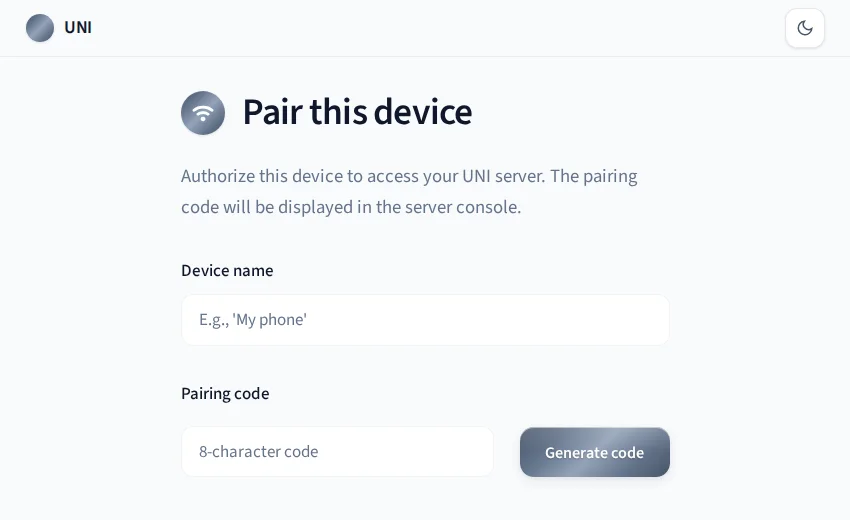
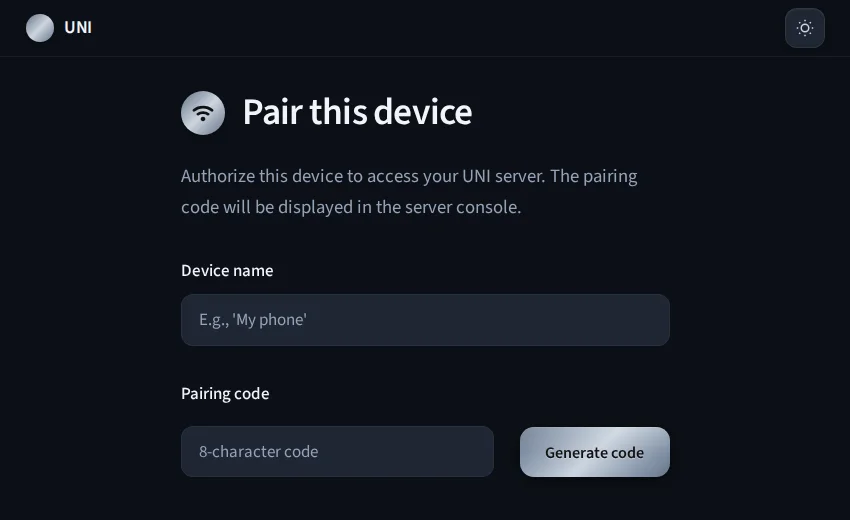
slate.css
Cool brushed steel
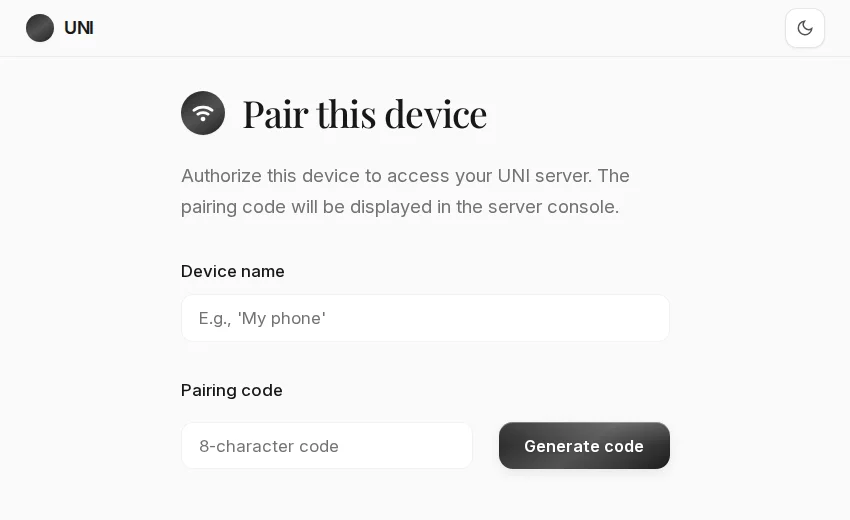
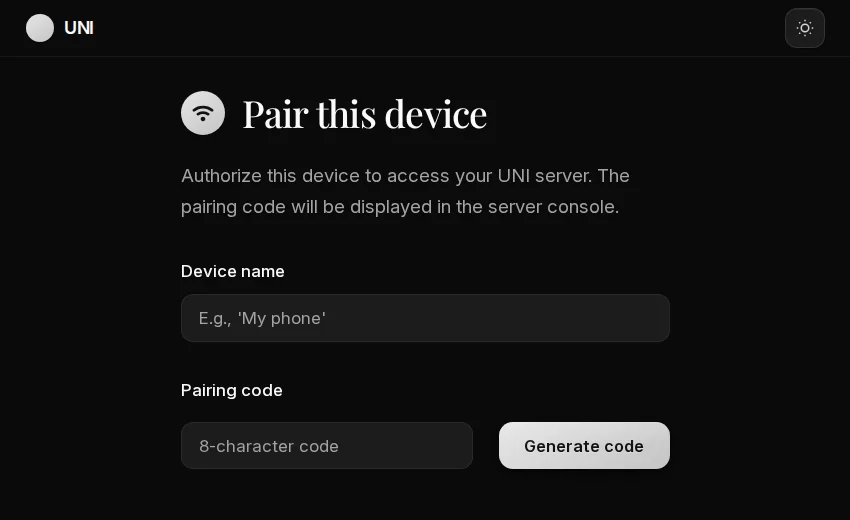
noir.css
Ink and monochrome
Custom CSS
For further customization, write your own CSS in user/theme.css. It is recommended to use one of the included presets as a starting point.
Custom fonts
Place .woff2 files in user/fonts/ and define @font-face rules:
@font-face {
  font-family: "My Font";
  src: url("/user/fonts/my-font.woff2") format("woff2");
  font-display: swap;
}

:root {
  --font-sans: "My Font", sans-serif;
}
Reset to default
Delete your custom theme to return to the built-in default:
rm user/theme.css