Theming
Presets
UNI ships with theme presets you can drop in. No coding required. These presets can be found in the theme/presets folder of your UNI installation. Pick one, copy it into the user folder, rename it to theme.css, and refresh your browser.
To return to the built-in default, delete the user/theme.css file.
Previews
Dark mode
Toggling light/dark mode via the top-right site menu also switches the previews below.
sonnet.css
Serif headings, warm cream
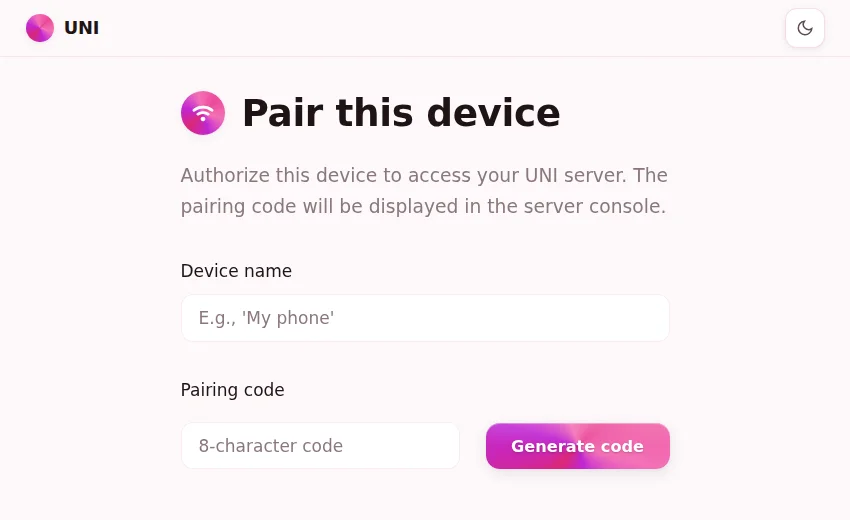
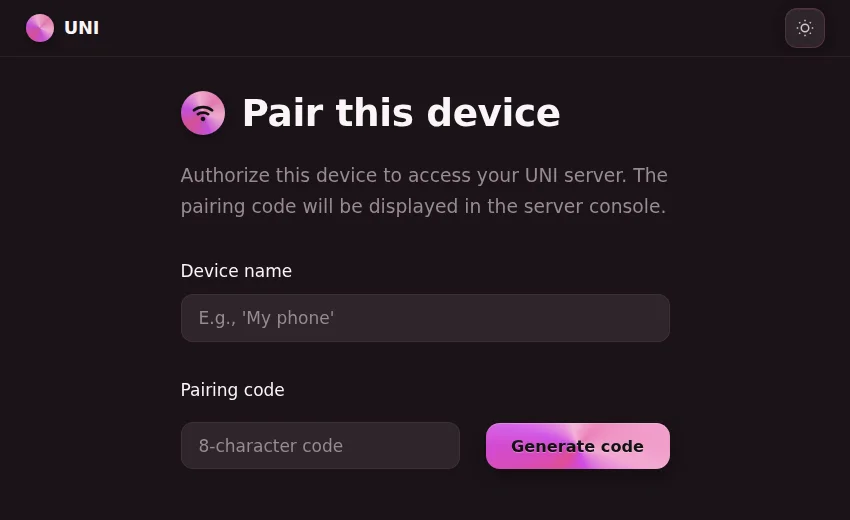
sakura.css
Rounded shapes, pastel pinks
glass.css
Cool neutrals, frosted panels
minimal.css
No frills, flat monochrome
Custom CSS
For further customization, write your own CSS in user/theme.css. It is recommended to use one of the included presets as a starting point.
Custom fonts
Place .woff2 files in user/fonts/ and define @font-face rules:
@font-face {
  font-family: 'My Font';
  src: url('/user/fonts/my-font.woff2') format('woff2');
  font-display: swap;
}

:root {
  --font-sans: 'My Font', sans-serif;
}